
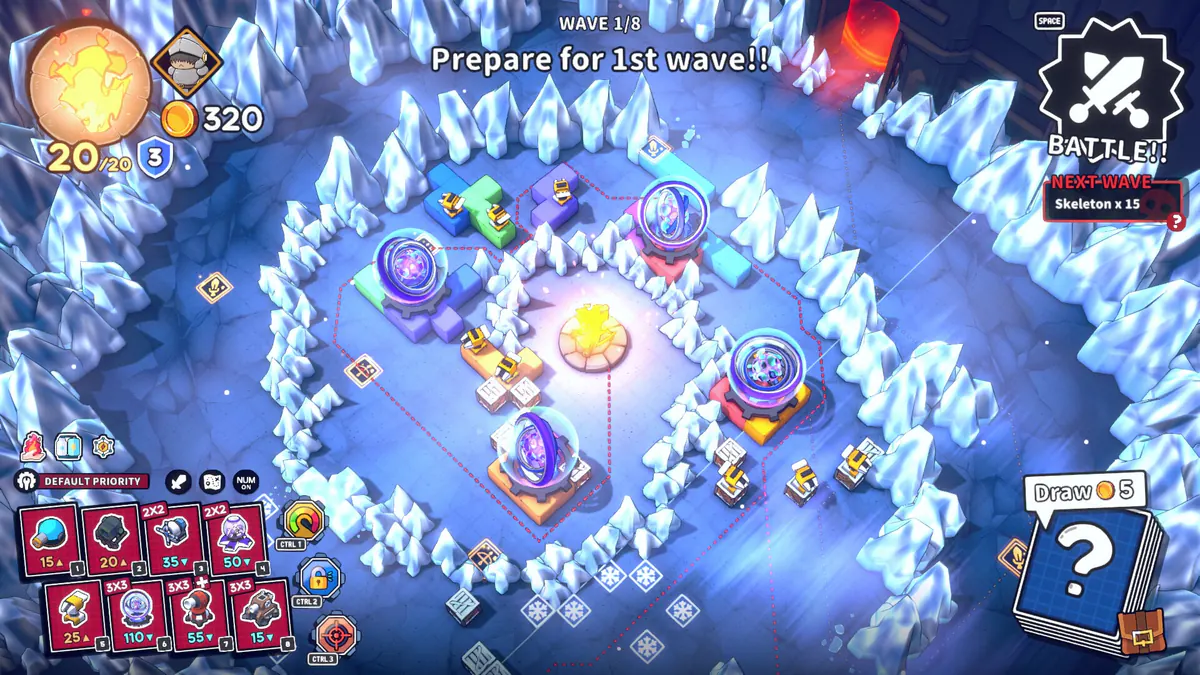
What “Playable” means here
The Steam Deck compatibility database snapshot lists Emberward as Playable rather than Verified. The recorded review notes controller-icon issues, small in-game text, and a need to adjust resolution manually.
- Playable is not the same label as Verified.
- Full controller support was added in update v0.4.10 in February 2026, before the 1.0 launch.
- An official patch note advised resetting older custom Steam Deck settings to defaults after controller changes.
What has not been rechecked after 1.0
The compatibility review snapshot is dated 15 September 2026, before the 17 September 1.0 release. The supplied evidence does not include a post-1.0 Steam Deck retest, current frame-rate measurements, battery tests, or a controlled performance benchmark.
Controls and settings to try
- Start from the default layout
If you had an older custom profile, reset it to the current default before diagnosing input problems.
- Adjust resolution in-game
The compatibility review calls out manual resolution adjustment. Check readability and layout after changing it.
- Check the current badge
Steam can revise compatibility as updates arrive, so confirm the current store badge before relying on this dated snapshot.
Sources and scope
This is an independent guide, not an official Refic Games page. Source roles and version limits are stated alongside each reference.
- Emberward Steam Deck compatibility recordSteamDB mirror of the Valve compatibility label and review details; snapshot dated 15 September 2026.
- Emberward on SteamCurrent official store page and compatibility badge.
- Official Emberward newsDeveloper patch announcements, including controller support changes.